These days, we see a hyper-focus on news literacy (or news media literacy), which is the aspect of media literacy that centers on analyzing journalism. While muckraking in politics and other such biased and editorial takes on the news are not new, the 24/7 firehose of content to be consumed across all media platforms is. And the good and the bad of it all is that anyone can be a content creator these days, but content or “news” is not necessarily unbiased, objective, or based on research.
What is news literacy?
News literacy is an aspect of media literacy that aims to teach news consumers to be thoughtful about the content they are seeking out, digesting, internalizing, and sharing, whether from online or more traditional media. Examples of news literacy can be woven across the curriculum, as news literacy consists of the critical thinking skills that help us determine fact from fiction, bias from fairness, and opinion from news.
“Media literacy is critical to the survival and perpetuation of a healthy democracy.”
– Columnist Janice Ellis, Missouri Independent
Why is news literacy important for students to learn?
The evaluation skills core of news literacy helps readers determine the credibility, validity, and reliability of news sources and newer sources of information. Google research scientist Daniel Russell hypothesizes that students today can access a million times more content via the internet than earlier generations could at a university library. Thus, today’s readers need a much more dynamic and sophisticated set of reading skills when they are consuming and analyzing traditional and online media. In our 21st century digital landscape, students must learn to navigate raw information from countless sources. Examples of news literacy should be reinforced daily. These digital citizenship skills are foundational to maintaining a positive school culture. News media literacy skills are a crucial part of learning to read and write for today’s and tomorrow’s society.
There are many ways to weave examples of news literacy into daily instruction in the classroom, especially when you take a cross-curricular approach. Seek out high quality resources that build foundational literacy skills, yet do so in a current and engaging way. Flocabulary leverages storytelling and emotional connections via hip-hop to make learning memorable. Flocabulary’s interdisciplinary lessons and activities challenge students to think creatively and critically when it comes to comprehension and vocabulary acquisition across K-12 subjects.
New to Flocabulary? Teachers can sign up for a trial to access our lesson videos and assessment activities. Administrators can get in touch with us to learn more about unlocking the full power of Flocabulary through Flocabulary Plus.
Teaching news literacy: 10 media literacy examples in action
1. Understand the key terms
It’s best to begin news literacy instruction by having students understand that news content and sources should be valid, credible, and reliable. But what do those key terms mean?
- Valid: having a sound base in fact or logic
- Credible: trustworthy and believable
- Reliable: reputable and verifiable
Author Michael A. Caulfield of Web Literacy for Student Fact-Checkers advises that when it comes to determining if a news source represents fair and accurate coverage, you need to consider the following: (1) machinery of care, (2) transparency, (3) expertise, and (4) agenda.
2. Seek out age-appropriate content
While the copy in The New York Times ranks at a 10th-grade reading level, that doesn’t mean the content is appropriate or written for a 10th-grader. Making sure that kids and teens have access to developmentally appropriate content will quite simply help them understand what they are reading.
Find recommended news sources for students of all ages from familiar sources like Time, The New York Times, Huffington Post, and Scholastic on Common Sense’s Best News Sources for Kids.
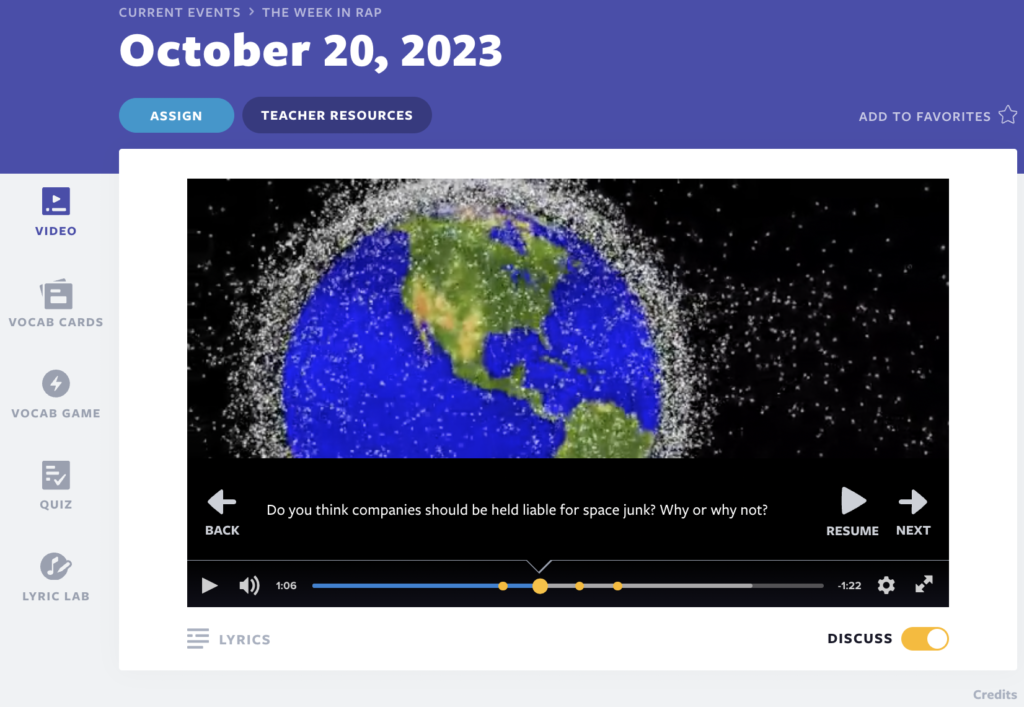
Flocabulary’s Week in Rap is a robust and age-appropriate educational tool for instructing students about current events. This weekly video-based lesson provides a rapped summary of significant and relevant news stories of the week. Released every Friday, it keeps students informed about the latest happenings and offers teachers a platform to initiate discussions on crucial current events. The Week in Rap is for grades 6-12, and the Week in Rap Junior is for grades 3-5. These weekly videos are a student (and teacher) favorite!
The Flocabulary team starts crafting these videos from scratch on Monday and completes them – including songs, videos, and associated lesson materials – by Friday morning for educators to access on Flocabulary.com. Learn more about how the Week in Rap is made.
3. Cross-examine the news content
Current events – whether political, regional, or pop – need to be vetted with a critical lens to equip students with the ability to participate in civic society in meaningful ways. Students need to be detectives of sorts, and they need to be equipped with news-literate strategies to decode what they are reading, from news to advertisements to propaganda. Misinformation or fake news can be insidious and lead to misunderstandings and unyielding perspectives. Media literate students understand that every source has a point of view, and media literacy examples need to be inquiry-based and should lead to constructive discourse.
According to Project Look Sharp, all readers should ask themselves the following six questions. Use these questions to have your students cross-examine news content:
- Who made this?
- Who is the target audience?
- Who paid for this? Or who gets paid if you click on this?
- Who might benefit or be harmed by this message?
- What is left out of this media message that might be important?
- Is this credible information (and what makes you think that)?
4. Address clickbait headlines and misinformation
The six questions above will help students better uncover the intention of said content. Too often, the content is designed to be a fabrication that is sticky and sensationalized to grab eyeballs and pique interest. Such clickbait helps content go viral, and we inadvertently become super-spreaders of misinformation, especially on social media, which can help earn advertiser dollars. However, this content can lead to confirmation bias, bolstered by details that are deceptive or even downright inaccurate.
We all need to keep asking questions to push past our own preconceived notions and broaden our understanding and perspectives around the topic at hand. Make it a habit for students to consider those six questions when reading and analyzing traditional or online media, whether they are digesting morning news or diving deeper into researching a current or historical event.
5. Teach how to evaluate website credibility and bias
There are certain signs or signals that all consumers of information should look for when evaluating online news sources. There are hallmark indicators that a site may not be as valid, credible, or reliable as we’d assume. We all should check if the site comes from reputable and accessible creators, the site itself is professional and polished, and the content is framed objectively and unbiased.
Teach students how to take a quick inventory of a site’s homepage in order to evaluate the quality of content, from the top to the bottom:
- Begin with the URL – is it secure (HTTPS)? Is it a .org, .edu, or .gov URL?
- Who owns the domain?
- Scroll down to the About Us page and judge how robust it is or isn’t.
- Can you find the source’s contact information easily enough?
- Analyze the layout and design.
- Are there source links and citations?
- Are there typos or grammatical errors?
- Analyze the language used: How inflammatory is the language?
- What is the tone of the headline? How is information framed?
All these signs can help determine if the content shared has a bias, whether implicit or overt. As an educator, you can use sites like FactCheck.org and Snopes.com to fact-check the details of any questionable content. Then, teach students to similarly cross-reference information to make sure that they are getting the full picture.
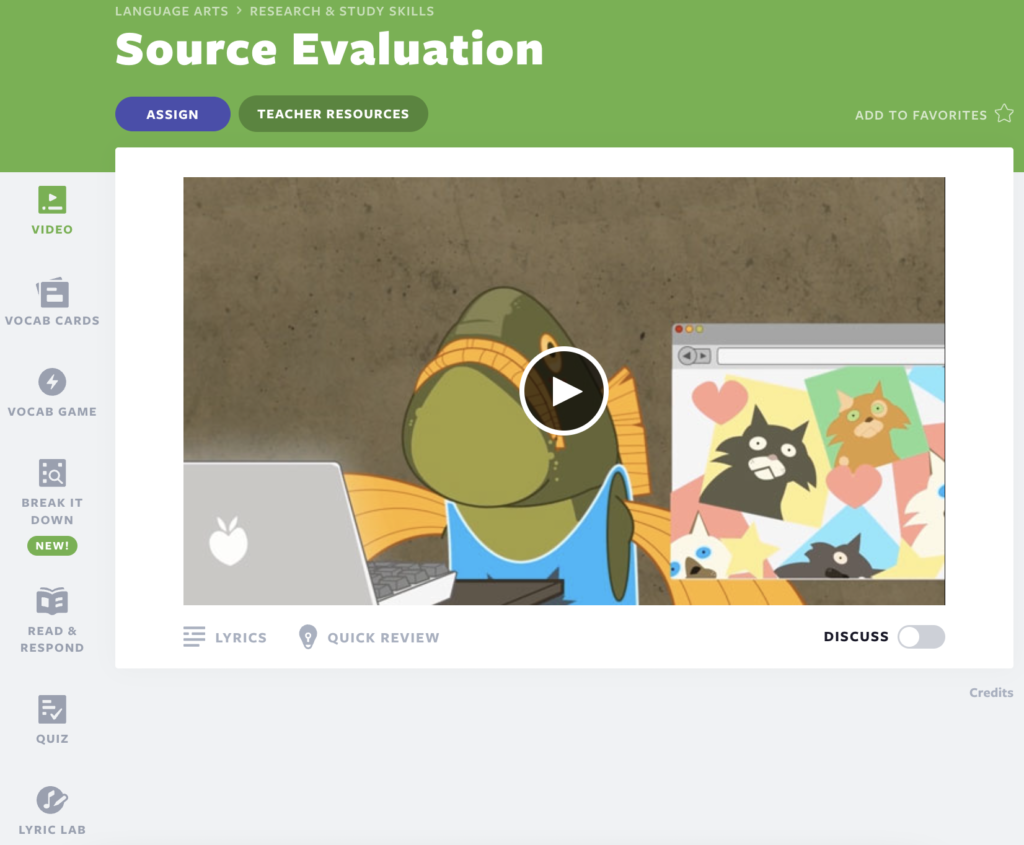
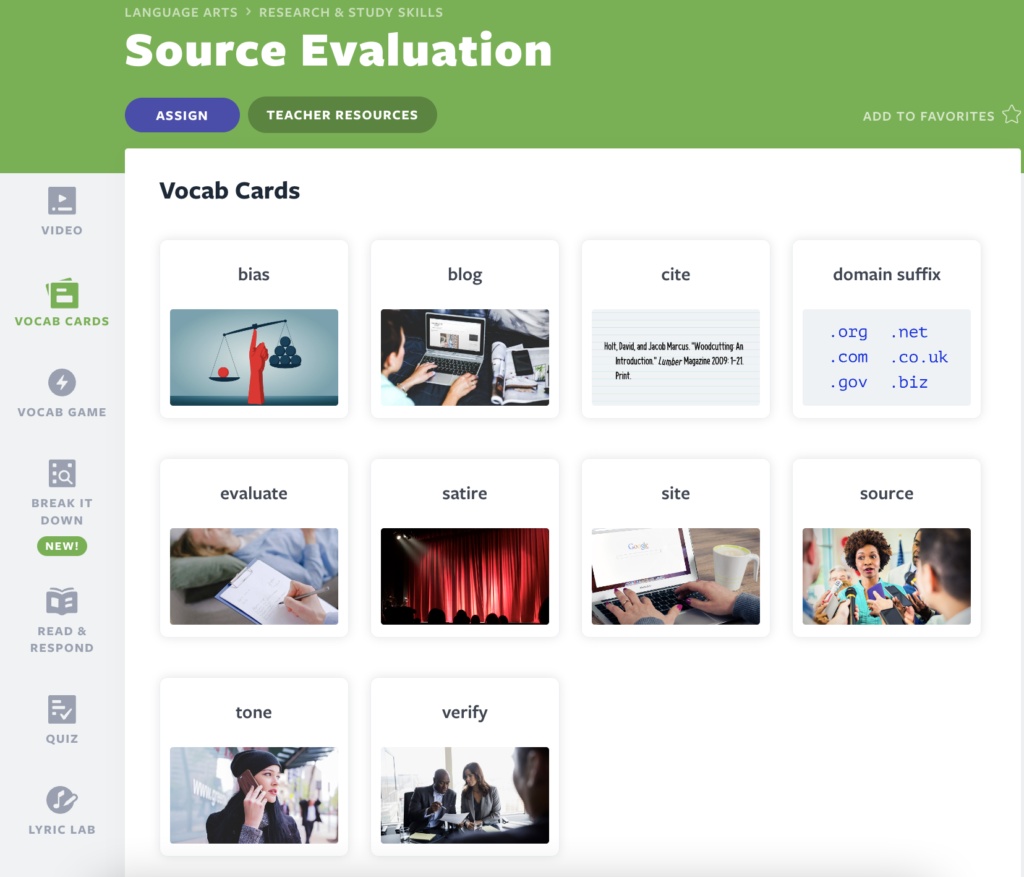
Flocabulary’s Source Evaluation video-based lesson provides students with tips on how to assess website credibility and bias, incorporating important vocabulary words that enhance their understanding. It aligns with today’s digital age and empowers students to make informed decisions in a technology-driven society, making it a valuable resource when teaching students about media literacy evaluation skills and information literacy.
6. Teach smart searching strategies
A core digital literacy skill to teach students that is fundamental to news literacy is smart searching. There are tried-and-true search strategies to help serve up content beyond what is targeted toward you, the reader, or tracked from your past searches. Emphasize to students that when searching for what you need, you often have to filter out what you don’t need. Teach them how to use quotation marks to search for exact phrases, use Boolean operators (“and”/”or”) to combine terms, and narrow the time frame as well as the type of sources. Highlight that when you get the page of search results, you should look for the results that are not sponsored, those that come from sources you recognize, or those that are well-vetted and reviewed. Challenge your students to work backward to find the original source.
7. Try lateral reading
Lateral reading – championed by Sam Wineburg and the Stanford History Education Group (SHEG) – is when you approach fact-checking by reading more broadly about a subject versus more deeply on a subject. By searching for other articles on the same topic, you can help confirm or negate an author’s credibility as well as his/her intent and biases. Those who engage in lateral reading often have multiple tabs open, creating a network of fact-checking across various websites before going back to the original article or page to read more thoroughly.
By teaching your students the concept of lateral reading, they will become more adept at cross-checking information from a variety of sources versus relying on just one. They will become more robust researchers and informed critical thinkers as they continue to dive into newsworthy events.
“Lateral reading helps the reader understand both the perspective from which the site’s analyses come and if the site has an editorial process or expert reputation that would allow one to accept the truth of a site’s facts.”
8. Stay on top of current events
As with any muscle, it is important for students (and readers of all ages) to exercise how they read the news stories around current events and practice their detective decoding skills. Weave current events into your teaching to help students develop a real-world perspective on issues and better understand how their studies apply to life outside the school’s walls. Illustrate how news can report differently on the same topic. Use All Sides’ Media Bias Chart to show how a narrative can be skewed by who is reporting and why.
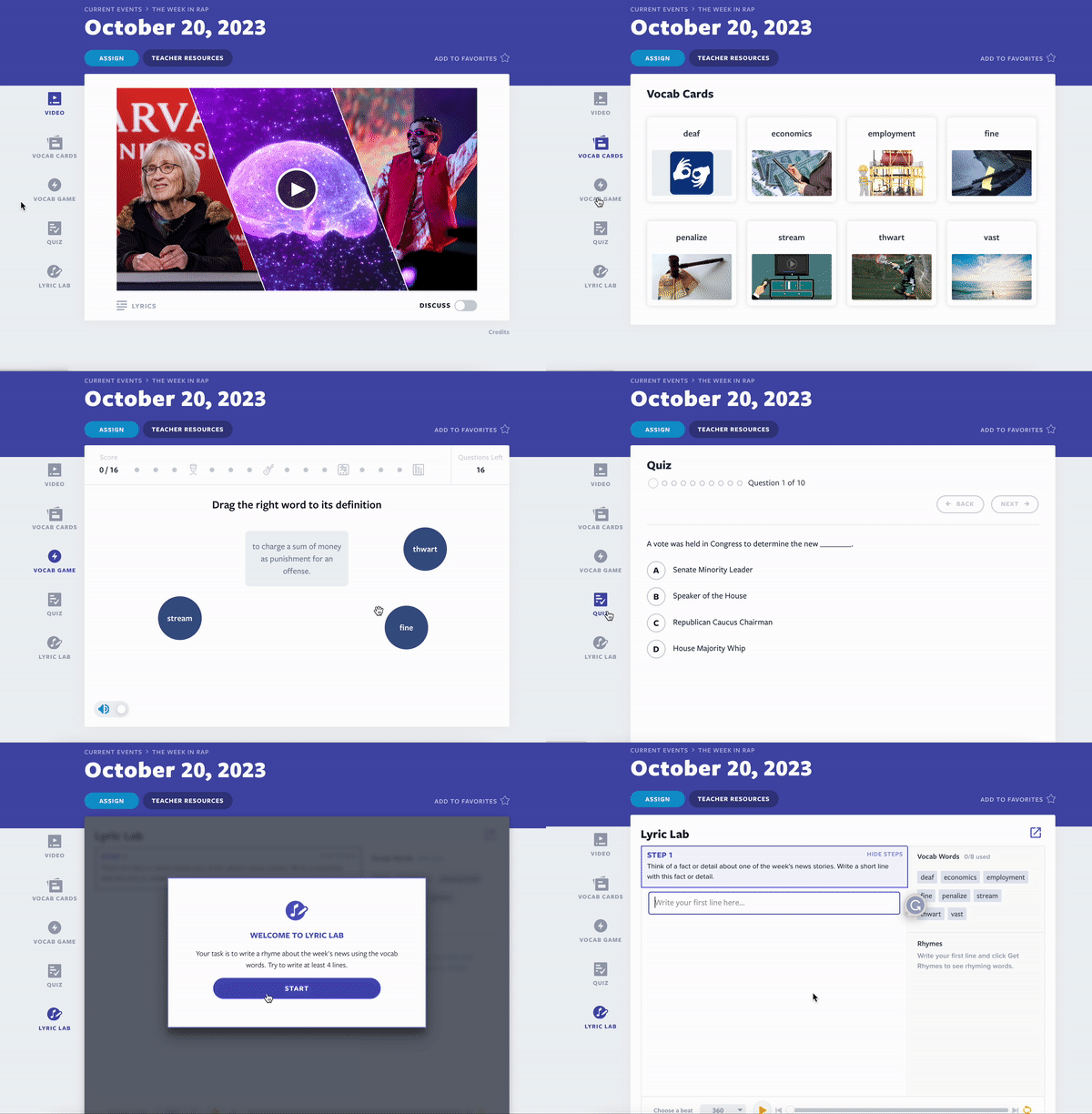
Use the Week in Rap lesson videos every Friday to have students stay on top of current events. Assign students the lesson so they can go through each activity and assessment accompanied by the video. While watching the video, turn on the Discuss Mode to prompt discussion questions for the class.
9. Talk about fake news often
Realizing how prevalent fake news is is half the battle. As with most literacy skills, repetition is key! Share key messages over and over in the classroom so that these healthy habits of mind become a given when students seek out reliable news. Frame lessons around spotting fake news or misinformation in articles. Send home resources that engage the whole family, from information videos to quizzes, so they all can help one another not become super-spreaders of misinformation or fake news online.
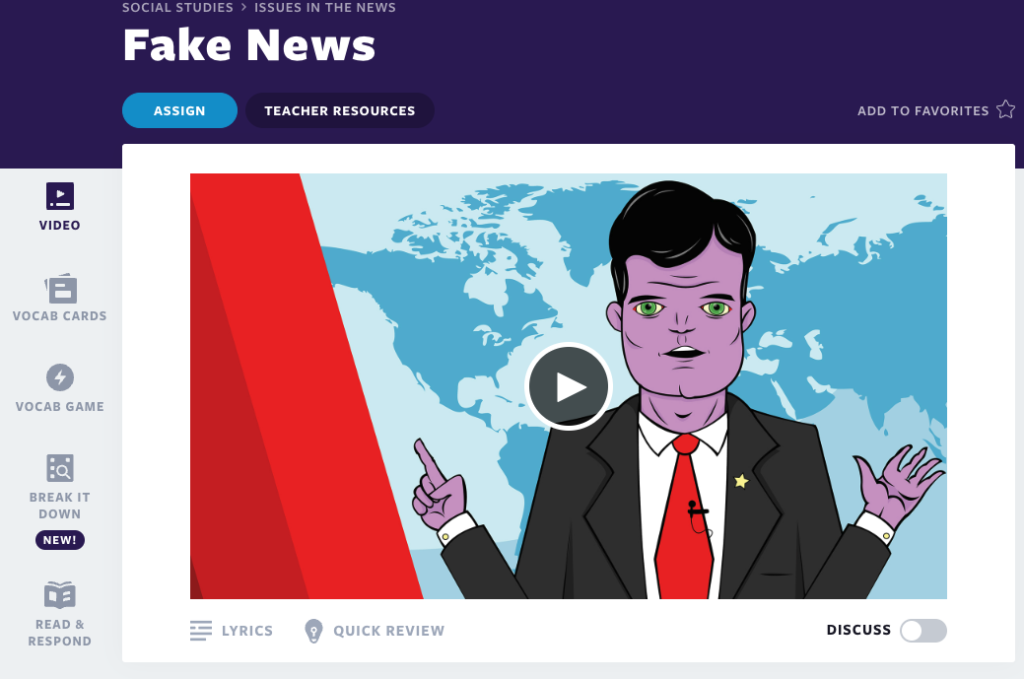
Flocabulary’s Fake News video-based lesson helps teach students about the pressing issue of fake news. This lesson explores what fake news is, how it spreads, and how to discern its accuracy. It equips students with practical skills for identifying fake news, encourages critical thinking about personal biases, and fosters media literacy.
Here are some additional resources teachers can use or share:
10. Continue to teach these skills year-round with reliable educational resources
Celebrate U.S. Media Literacy Week (October 23-27, 2023) and News Literacy Week (end of January each year) not as a one-and-done annual event but as a way to emphasize just how critical these skills are. Underscore the growing need around the importance of media literacy education, especially during times of political races, global strife, and national emergencies. Play devil’s advocate in your questioning to encourage readers to consider all sides and all perspectives as they gather facts. When students become skilled in this, they can critically evaluate information, which is essential for keeping society as well-informed as possible
Lean on trustworthy organizations that produce educational resources around news media literacy examples for students, families, and educators. With an ever-changing tech landscape, it is crucial that we all be diligent students to learn how to dissect and digest the latest and greatest information shared in our dynamic, always-on multimedia world.
Here are some more resources:
Start teaching about news literacy with Flocabulary
As readers and as good digital citizens, the burden falls on each of us 24/7 to use our critical thinking skills when digesting media information. Whether you teach elementary, middle, or high school, educators can help teach students these mindsets to employ on their own when browsing social media, paging through newspapers, or watching nightly reports. Similarly, they can use the same critical lens when receiving articles or news sites from others or when planning to send out information to others. By honing these skills, students develop the confidence and ability to participate in important conversations and decisions that impact their communities.
New to Flocabulary? Teachers can sign up for a trial to access our lesson videos and assessment activities. Administrators can get in touch with us to learn more about unlocking the full power of Flocabulary through Flocabulary Plus.