

Enrollment is no longer a funnel. It’s a journey.
One shaped by search queries, digital experiences, instant communication, and high expectations. Today’s prospective students demand speed, personalization, and clarity from their first interaction. For institutions that want to grow, scale, and compete, relying on spreadsheets or legacy databases is no longer sustainable.
You need a system that works as hard as your team does. One that doesn’t just manage applicants, but empowers strategy, fosters connection, and drives retention.
That’s the promise of a modern Enrollment Management System (EMS), but only if you choose the right one.

What Is an Enrollment Management System?
An Enrollment Management System is more than a tool for admissions; it’s a digital backbone for your recruitment, application, and onboarding processes. Think of it as an intelligent, data-powered engine that drives student acquisition and supports institutional growth goals.
While many systems include basic applicant tracking and form building, a true EMS integrates across departments, touching admissions, marketing, student services, financial aid, and beyond. It’s designed to give your team a real-time view of the applicant pipeline while also enabling automation, analytics, and multichannel communication.
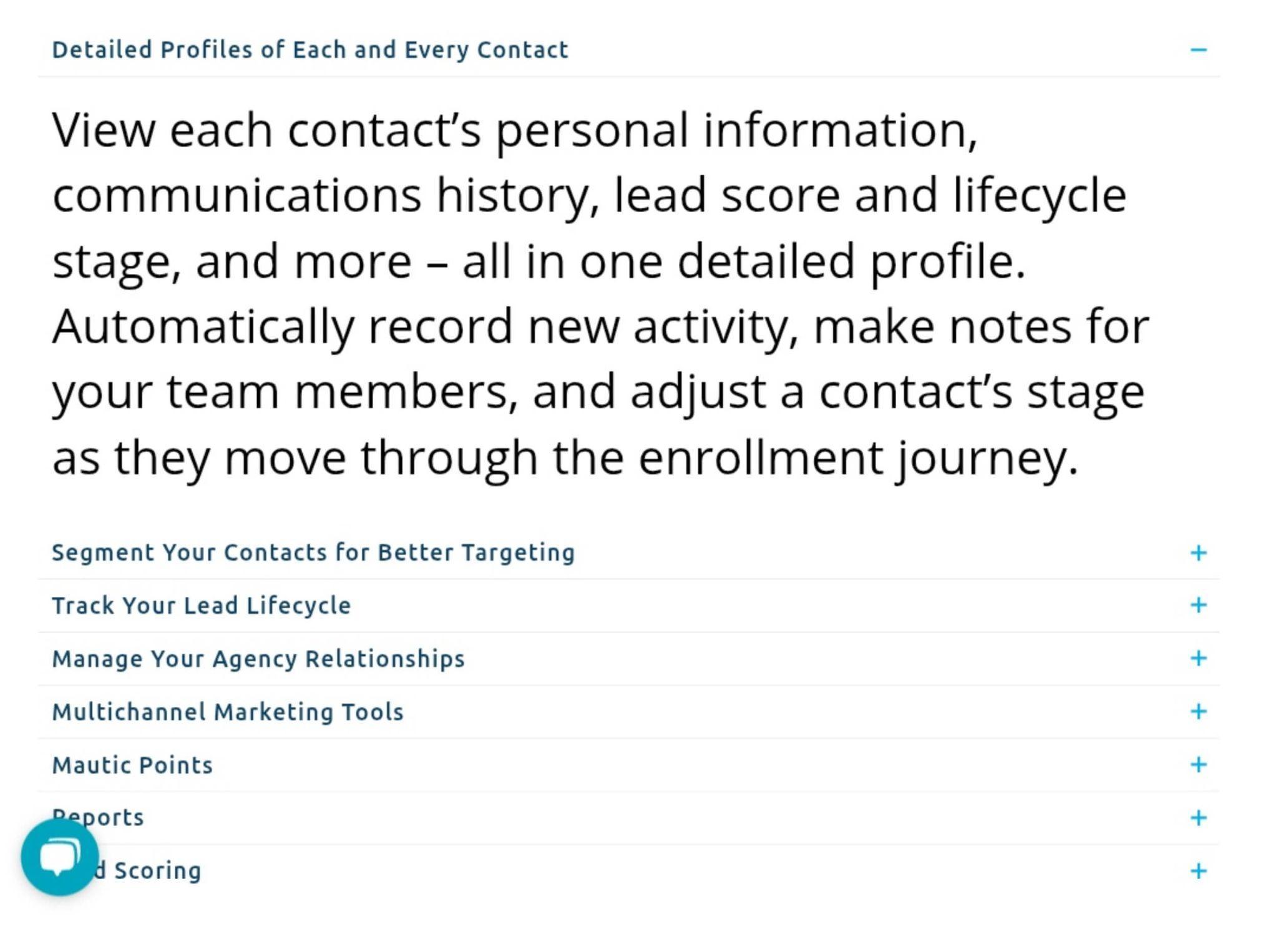
Example: Mautic by HEM is a dedicated, all-in-one CRM and marketing automation platform for education, built on the open-source Mautic tool. It facilitates thorough applicant tracking by letting schools define custom stages and funnels for the enrollment journey: admissions teams can monitor each contact’s progress through stages (inquiry, application, accepted, etc.) and even apply lead scoring to prioritize the most engaged prospects.
The best platforms don’t just move information. They orchestrate outcomes.
A modern EMS aligns your people, data, and processes so that your team spends less time chasing forms and more time building relationships. It adapts to your enrollment strategy, whether that’s growing international reach, increasing diversity, boosting conversion, or all of the above.
What Does an Enrollment System Do?
It streamlines student recruitment and admissions, enabling your team to launch campaigns, collect inquiries, and track applicant engagement without toggling between multiple platforms. While “enrollment management” is often associated with software, it’s fundamentally a strategic function, and the right EMS becomes a catalyst for this function to succeed.
Here’s how:
- It streamlines student recruitment and admissions, enabling your team to launch campaigns, collect inquiries, and track applicant engagement without toggling between multiple platforms. From inquiry to enrollment, every stage is logged, measured, and improved.
- Example: Tools like TargetX make it easy to launch campaigns, track lead engagement, and move prospects from inquiry to enrollment. TargetX is built on Salesforce and tailored for higher education, especially career colleges that need efficient outreach.
- It enables marketing and communications teams to segment audiences, trigger campaigns, and personalize outreach across email, text, and student web portals, all with full visibility into what converts.
- Example: EMS platforms such as Finalsite Enrollment combine CRM and marketing automation to segment audiences and personalize outreach across email, SMS, and web. Designed for independent K–12 schools, Finalsite ensures your message resonates from the first click.
- It supports financial aid and yield strategy by syncing with your student information system (SIS) or CRM. That means your staff can track aid packages, award statuses, and net tuition impact, all within the same ecosystem.
- Example: Integrated EMS like Anthology allows institutions to view aid packages, tuition forecasts, and academic data in one place. Anthology is especially powerful for institutions with complex admissions models or rolling start dates.
- It strengthens student retention by providing advisors with access to academic history, risk indicators, and automated nudges that support at-risk students from the very start of their academic journey.
- Example: By giving advisors access to risk flags and real-time data, platforms like Salesforce Education Cloud enable timely interventions that support students long after they’ve enrolled.
- And most importantly, it delivers data analysis and forecasting that lets institutional leaders plan with precision. From demographic breakdowns to conversion rates, it provides insight into not just who applied but why they enrolled.
- Example: With advanced analytics, tools like Technolutions Slate offer actionable insights into yield, demographics, and conversion rates, helping you refine your enrollment strategy over time.
What is the point of strategic enrollment management? The point of strategic enrollment management (SEM) is to align an institution’s recruitment, admissions, retention, and graduation strategies with its long-term goals, using data and coordinated planning to optimize student success and institutional sustainability. An effective EMS ensures that your strategic enrollment plan becomes an operational reality, daily, seamlessly, and at scale.
Core Features to Look For in an EMS
1. Centralized Database and CRM
A unified database helps you keep track of every applicant and their journey, from interactions and submitting forms to uploading documents and communication history. Look for systems that include robust CRM tools with inquiry tracking, source attribution, and segmentation capabilities.
Example: TargetX (Liaison): Provides a single dashboard with a 360° view of each student, consolidating everything from event registrations and communication touchpoints to financial aid info, all in the same place. This unified database supports data-driven decision making in recruitment and admissions.

Source: TargetX
2. Online Application and Form Management
Choose a system with customizable forms, document upload functionality, e-signature support, and user-friendly applicant portals. Features like drag-and-drop form builders and application status tracking can greatly improve the experience for both students and staff.
Example: Classe365 supports paperless admissions with custom online application forms. Students can easily apply from home, and submitted form data is automatically mapped into the school’s SIS to avoid manual re-entry. This makes the entire application-to-enrollment workflow smooth and efficient for both applicants and staff.

Source: Classe365
3. Automated Multichannel Communication
A strong student enrollment management system allows you to send personalized, automated messages via email, SMS, or in-app notifications. You should be able to build workflows, for example, a welcome message on inquiry, a reminder to complete an application, or an invitation to an open house. Some systems even offer AI chatbots for 24/7 engagement.
Example: Mautic by HEM features built-in email and text messaging automation, enabling schools to send personalized emails or SMS updates triggered by prospect behavior.

Source: HEM
4. Workflow Automation and Task Management
Look for features that reduce manual work, automatic task assignment, follow-up reminders, and to-do lists. These help your admissions team stay on top of deadlines and reduce errors.
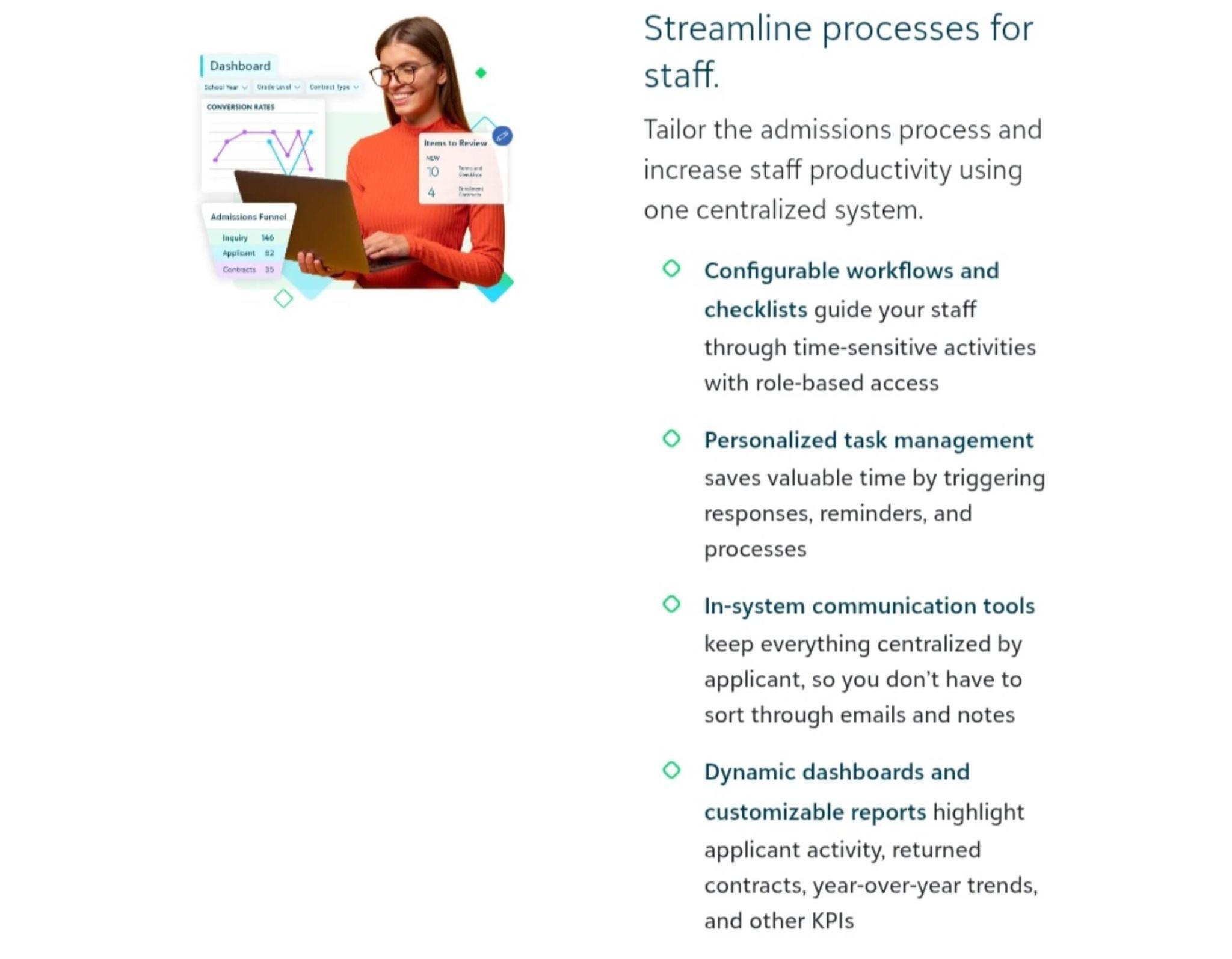
Example: Blackbaud Enrollment Management allows schools to tailor their admissions process with configurable workflows and checklists in one centralized system. Staff have personalized task dashboards, and the system automatically triggers next steps, sending follow-up reminders, updating statuses, or notifying counselors based on defined rules. This saves time and keeps the team on schedule
Source: Blackbaud
5. Seamless Integration
Your EMS should integrate with your SIS, LMS, financial software, and marketing tools. Data should flow without duplication. Look for open APIs or pre-built integrations with platforms you already use.
Example: Slate supports bi-directional data exchange with campus systems. It can push and pull data to external SIS, LMS, financial aid systems, content management systems, and more via its Integration Center. This means application data or status updates in Slate can automatically appear in the SIS, and vice versa, ensuring consistency across all systems.

Source: Slate
6. Analytics and Reporting
Analytics tools allow you to track conversion rates, demographic trends, and recruitment performance. Some EMS platforms even offer predictive analytics to identify at-risk applicants or forecast yield.
Example: TargetX goes beyond basic reporting by incorporating predictive analytics features. It includes a Prospect Scoring tool that lets schools apply tailored scoring models to their applicant pool. This means the system can automatically evaluate and rank prospective students based on likelihood to enroll (or other success indicators), helping admissions teams focus their efforts on the best-fit leads. Of course, standard reports and real-time dashboards are also available in TargetX for monitoring application trends and campaign performance at a glance.

Source: TargetX
7. Customization and Scalability
No two schools are the same. Ensure your EMS allows you to customize application workflows, add custom fields, configure user roles, and scale as your institution grows.
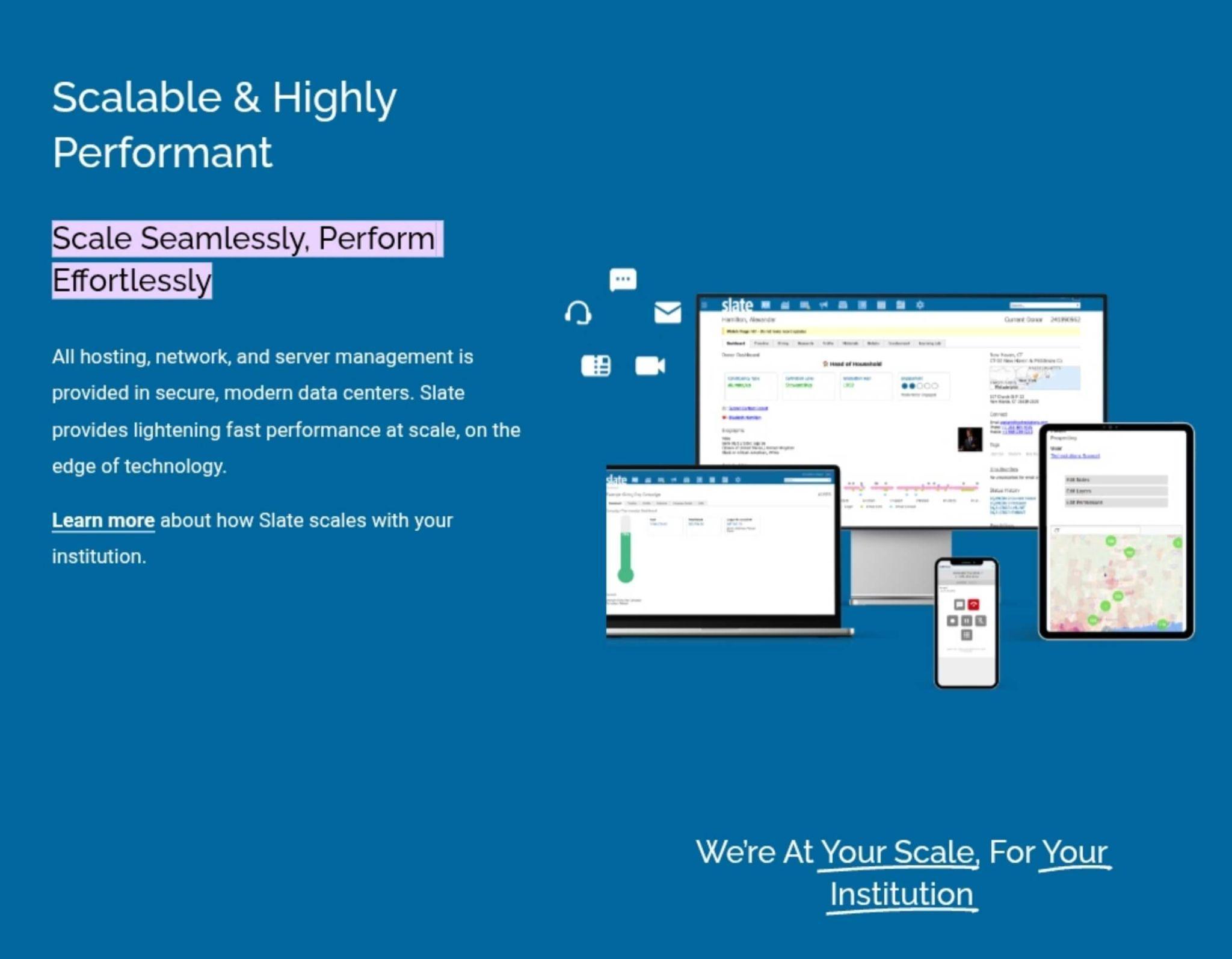
Example: A cloud-based SaaS platform, Slate, is designed to “scale seamlessly” with an institution’s growth. All technical infrastructure is managed in modern, secure data centers, and Slate regularly updates with new features at no extra cost. This means an organization can start small and trust that Slate will accommodate more applicants, programs, or campuses over time without needing a major system overhaul. In short, EMS vendors focus on both customization (to meet unique local needs) and scalability (to support more users, records, and features as needed).
8. User-Friendly Design
Adoption hinges on usability. During demos, pay attention to how intuitive the interface is for both staff and applicants. If the system is difficult to use, your team simply won’t use it to its full potential.
Example: User experience drives adoption. During evaluations, platforms like Classe365 and Class by Infospeed regularly earn praise for intuitive interfaces, which is important when your team has limited tech support.

9. Mobile Accessibility
Modern students (and parents) expect mobile-friendly platforms. Responsive design or dedicated mobile apps improve application completion rates and accessibility.
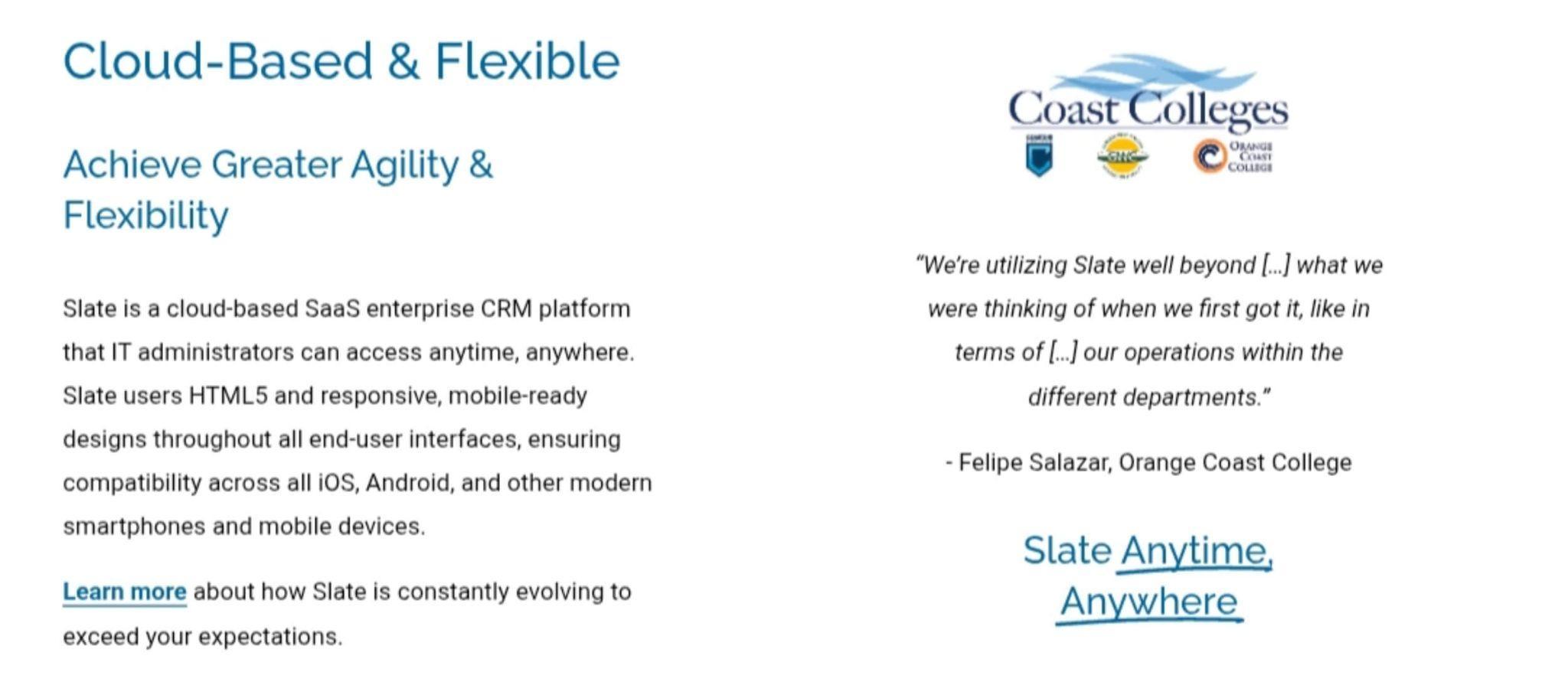
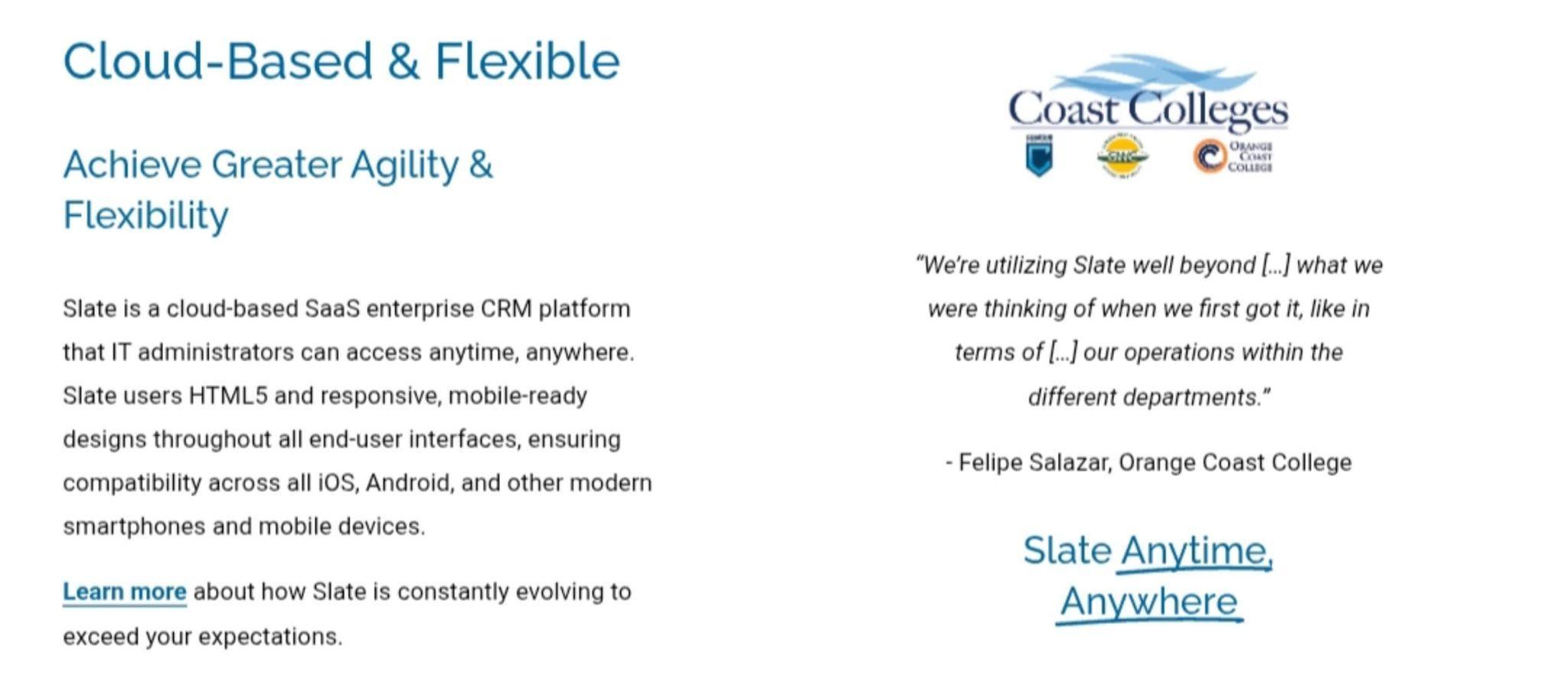
Example: Slate: Entirely web-based and built with responsive HTML5 design, so all end-user interfaces are mobile-ready by default. Admissions officers and applicants can access Slate “anytime, anywhere,” and the system is compatible across iOS, Android, and other modern smartphones without any special app required.
Source: Slate
10. Security and Compliance
Data privacy is critical. Look for FERPA, GDPR, or other compliance features, role-based access controls, encryption, and regular security audits.
Example: Slate emphasizes that security is an “absolute commitment.” Slate encrypts all data in transit and at rest, and is fully compliant with regulations including PCI-DSS, NACHA, FERPA, GDPR, ADA Section 508, and more. Each client institution’s data is siloed in its own private database, and features like single sign-on integration and multi-factor authentication are supported, all to protect sensitive student information.
How to Choose the Right System: The Smart Institution’s Guide
Too often, institutions jump into vendor demos before clearly understanding their own needs. But choosing an EMS isn’t like buying a software license. It’s like hiring a new department, one that will touch nearly every part of your student journey.
Too many schools choose an EMS the way they might buy a printer—look at features, pick the cheapest, hope for the best.
That’s a mistake.
Here’s how to do it right:
1. Audit Your Current Process
Bring your admissions, marketing, IT, and registrar teams together. Map the journey from first touch to enrolled student. Identify bottlenecks, duplicate data entry, communication gaps, and missed opportunities.
Ask:
- Where are we losing leads?
- What’s manual that should be automated?
- What data are we not capturing?
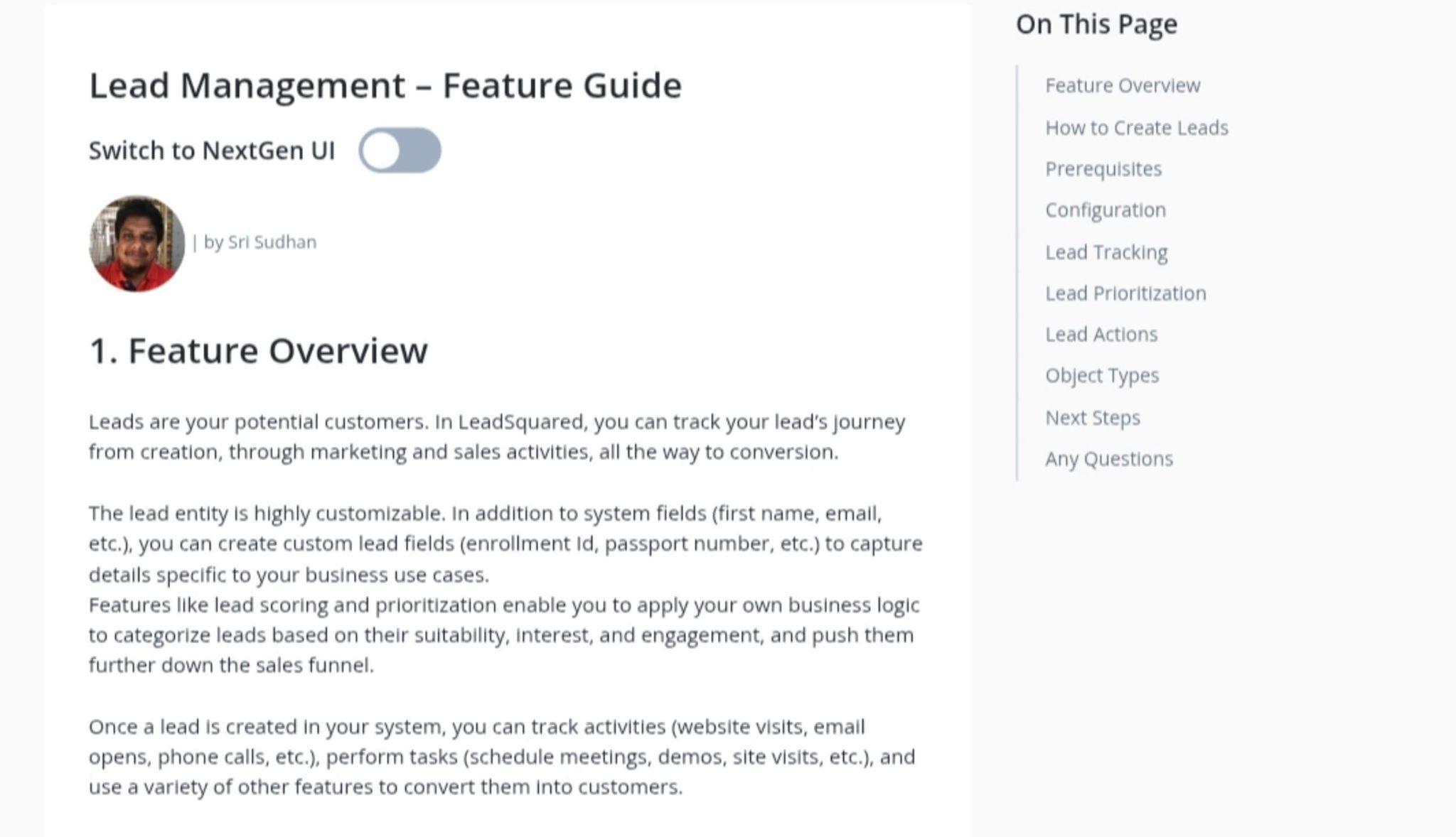
Example: EMS tools like LeadSquared often shine here by centralizing fragmented workflows.
Source: LeadSquared
2. Define (and Prioritize) Your Needs
Don’t go in with a wishlist. Go in with a mission-critical checklist. Keep these in mind when choosing features:
- Must-haves (SIS integration, mobile access)
- Nice-to-haves (AI-driven insights, alumni modules)
- Deal-breakers (data residency, language support)
Example: If your institution works with international agents, Class by Infospeed is built for managing agent relationships and complex course offerings, a crucial feature for language schools and ESL programs.

3. Involve Your End-Users
Admissions staff. Recruiters. Advisors. These are the people who will live in the system every day. Their input is gold. Make them part of demos. Let them ask tough questions. Choosing a solution like SchoolMint, praised for its intuitive design, becomes easier when usability is prioritized.
4. Research Vendors Strategically
Not all systems serve all markets equally. Some are better for K-12. Others shine in graduate admissions. Some are strong in portfolio management; others in agent tracking.
Look for:
- Reviews from schools like yours
- Live or recorded demos
- Transparent pricing models
- Implementation timelines
Shortlist 3–5 vendors. Your shortlist should reflect your institution’s specific context. For graduate schools, Liaison CAS platforms are especially effective. For community colleges, TargetX offers a powerful combination of CRM and enrollment tools without requiring heavy configuration.
5. Evaluate Integration and Migration
Ask each vendor:
- How do you integrate with our SIS, LMS, and payment gateways?
- Can you support our CRM, or replace it?
- How will you handle data migration?
- Do you offer API access?
A disconnected EMS is a ticking time bomb. Ask vendors like Technolutions Slate or Salesforce Education Cloud about APIs and migration support—they’re known for smooth onboarding and flexibility.
6. Test the User Experience
Never buy blind. Ask for a sandbox account or personalized demo. Simulate key tasks: submitting an application, assigning leads, pulling a report. Include both staff and mock student journeys.
What feels intuitive? What’s clunky? What’s fast?
Your system is only as good as the people who use it.
7. Scrutinize Support and Training
Great technology without support is useless. Ask:
- Who handles onboarding?
- Is training included or extra?
- What’s your support SLA?
- Can we talk to a current client?
Look for a partner, not just a vendor. Look to vendors like Anthology, which are known for offering detailed implementation timelines, role-based training, and strong post-launch support.
8. Evaluate Total Cost and ROI
Look beyond license fees. Consider:
- Implementation and training costs
- User seat pricing
- Support packages
- Future upgrade fees
- Opportunity cost of inefficiency
For example, Classe365 offers bundled modules that can be more cost-effective for institutions seeking an all-in-one platform.
Then flip the question:
How much time, enrollment yield, and data quality could we gain?
What to Avoid: Mistakes That Derail Enrollment Success
Let’s be clear: choosing the wrong EMS won’t just slow you down, it can undermine your enrollment goals for years.
Common mistakes include:
- Prioritizing brand over fit. The best-known system is not always the best match for your institution’s size, staff capacity, or audience.
- Skipping the discovery phase. Without understanding your real process needs, you risk choosing a tool that solves the wrong problems.
- Overcomplicating the solution. Feature-rich platforms are great—if your team has the time and training to use them. Don’t choose complexity over usability.
- Neglecting integration. A system that doesn’t talk to your CRM or SIS will create data silos and extra work.
- Ignoring security and compliance. Your EMS will hold sensitive student data. Ensure it meets regulatory requirements like FERPA or GDPR, and ask vendors for proof of their data protection protocols.
- Leaving end-users out of the process. If admissions and marketing staff don’t weigh in, you may end up with a system that leadership likes, but staff resents.
- Rushing implementation. A fast deployment might sound appealing, but skipping onboarding, testing, and training will lead to low adoption and missed ROI.
A better approach? Take your time. Do the homework. Involve your people. And choose a system that solves your real problems, not just your imagined ones.
A Strategic Investment, Not Just a Tech Upgrade
The right Enrollment Management System is more than a technology purchase. It’s a strategic accelerator. When implemented well, it becomes the operating system for your admissions engine, fueling smarter campaigns, stronger applicant engagement, faster decision-making, and ultimately, better student outcomes.
Institutions that invest intentionally in their EMS see tangible results: higher yield rates, improved retention, deeper applicant insights, and more efficient operations. They don’t just fill classes, they shape them.
But none of this happens by chance. It requires a clear vision, a methodical evaluation, and a commitment to ongoing improvement.
Partnering for Enrollment Success
Choosing an EMS is just the beginning. Implementing it well, and aligning it with your enrollment strategy requires experience, insight, and a steady hand.
That’s where Higher Education Marketing (HEM) comes in. We’ve helped institutions across Canada and beyond design, implement, and optimize enrollment solutions that work. Whether you need a student-facing CRM portal, a smarter communication strategy, or guidance on vendor selection, our team can help.
Book a free consultation with HEM today, and let’s build an enrollment strategy that’s as forward-thinking as your institution. Because better tools don’t just make your job easier, they make your goals achievable.
Need help sorting through the multitudes of enrollment management systems for the right one for your school? Contact HEM today for more information.

Frequently Asked Questions
Question: What is an enrollment management system?
Answer: An Enrollment Management System is more than a tool for admissions; it’s a digital backbone for your recruitment, application, and onboarding processes
Question: What does an enrollment system do?
Answer: It streamlines student recruitment and admissions, enabling your team to launch campaigns, collect inquiries, and track applicant engagement without toggling between multiple platforms.
Question: What is the point of strategic enrollment management?
Answer: The point of strategic enrollment management (SEM) is to align an institution’s recruitment, admissions, retention, and graduation strategies with its long-term goals, using data and coordinated planning to optimize student success and institutional sustainability.